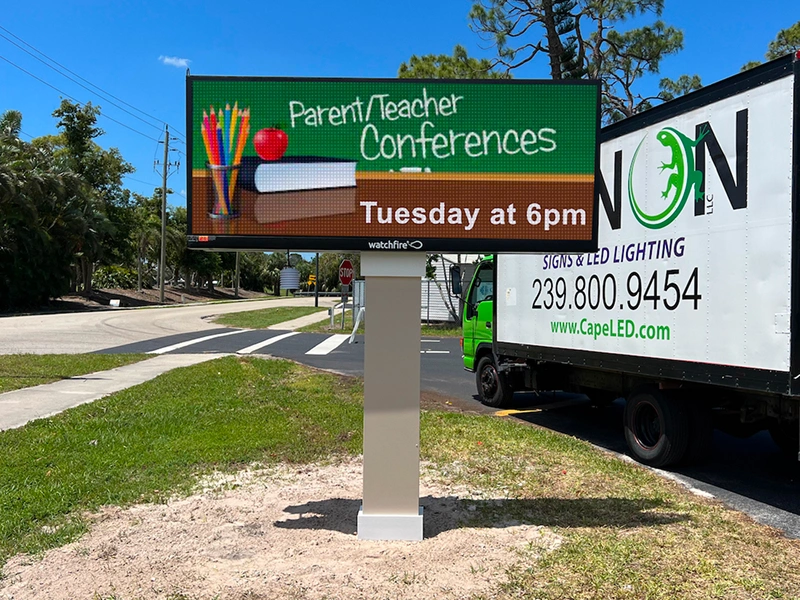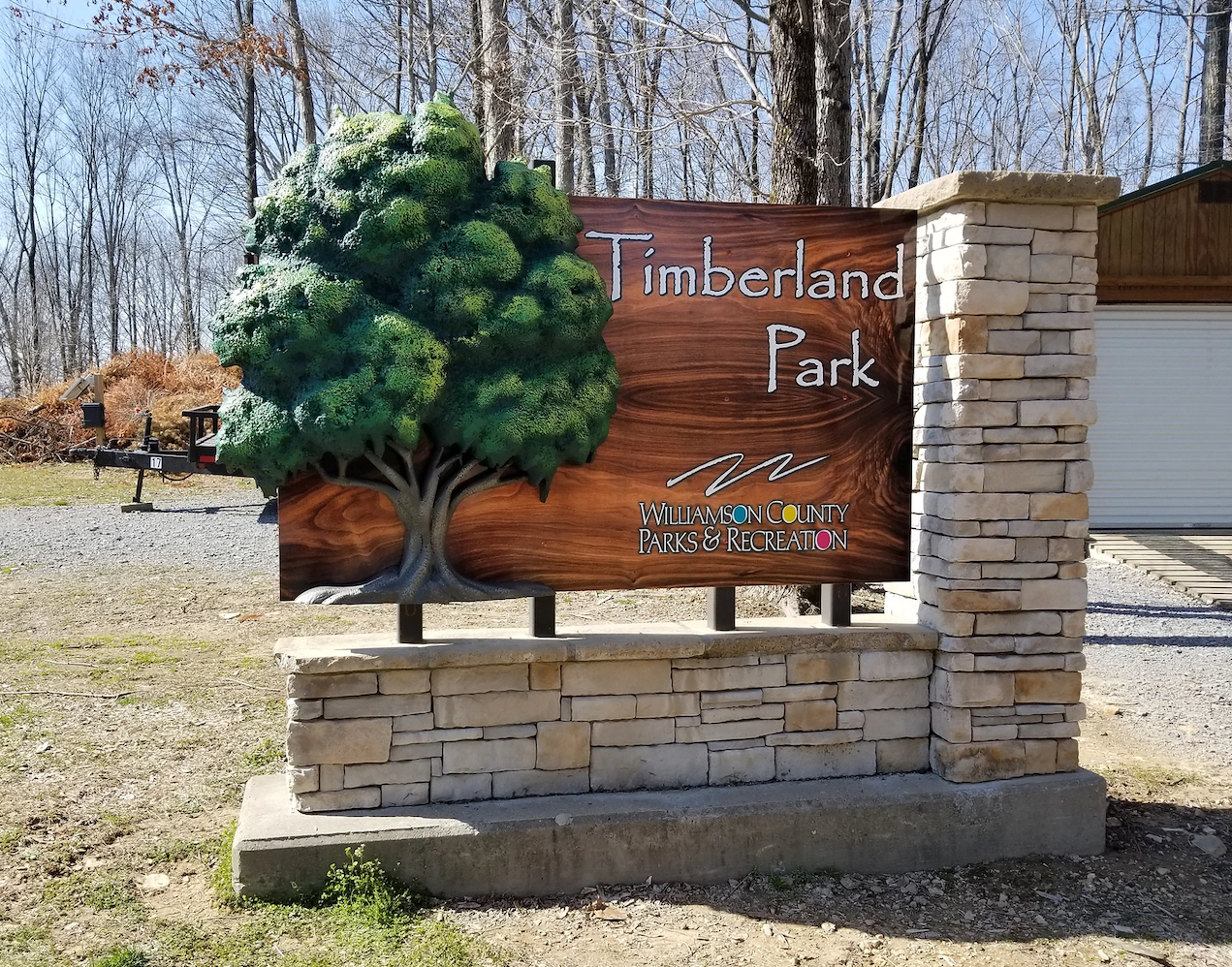
At Sign On LLC, we have handled LED sign service in dozens of markets, and the number one thing we hear from clients is: “I didn’t know it could do that.” So we put together this guide — not a generic overview, but the specific Ignite tips and Watchfire features that most businesses genuinely overlook. Read through it once, apply what fits your situation, and you will see a noticeable difference in how your LED sign performs.
Who This Guide Is For
Any business owner or manager running a Watchfire LED sign — whether you are a retailer, church, school, car dealership, restaurant, or service company. If you have Ignite software installed and you have not explored beyond the basics, this guide is written for you.
What Is Ignite, and Why Does It Matter So Much?
Ignite is Watchfire’s proprietary content management platform — the software that controls everything your LED sign displays. Think of your sign as the television and Ignite as the remote, the channel guide, and the recording studio all wrapped into one. Without a good grasp of Ignite, even the most advanced Watchfire LED sign will end up showing the same static message on a loop.
The platform runs either as a desktop application or through a browser-based interface depending on your setup and sign model. It handles scheduling, animation, transitions, multi-zone layouts, temperature and time displays, RSS feeds, and a whole lot more. Most businesses set it up once, plug in a few messages, and never return. That is the gap this guide is here to close.
“Your LED sign is only as smart as the software running it. Ignite is a full content studio — most businesses are using it like a sticky note.”
Sign On LLC — LED Sign Service Specialists

Tip #1: Master the Scheduling System Before Anything Else
Scheduling is the single most underused feature in Ignite, and it is also the one that delivers the most immediate return. Most businesses run one playlist all day, every day. But your audience at 7 a.m. is not the same as your audience at 5 p.m. — and your sign should reflect that.
Ignite allows you to create time-based playlists that automatically swap content based on the hour, day of the week, or date range. You can set your morning commute message to run from 6–9 a.m., your lunch special to go live at 11 a.m., and your evening hours reminder to kick in at 4 p.m. — all without touching the system again once it is set up.
Here is what this looks like in practice:
- Create separate playlists for each audience window — morning, midday, afternoon, and evening. Even two playlists are better than one.
- Use the date-range scheduling tool for seasonal campaigns — holiday promotions, summer hours, tax season, back to school. Set it and it runs automatically.
- Build a “default” playlist that runs outside business hours — your logo, phone number, and a simple tagline. Never leave a blank or idle sign running after close.
- Layer in day-of-week schedules for businesses with varied hours — a gym that opens later on Sunday, a restaurant closed on Mondays, a church active only on weekends.
The scheduling engine in Ignite is genuinely powerful once you spend an hour learning it. Sign On LLC regularly helps clients set up full monthly schedules during LED sign service calls — and the feedback is always the same: “I wish we had done this sooner.”
Tip #2: Use Multi-Zone Layouts to Say More With Every Frame
A single-zone layout uses the entire screen for one message. A multi-zone layout divides the screen into sections that can each display different content simultaneously. If you are running a full-color Watchfire LED sign and using single-zone layouts exclusively, you are wasting real estate.
For example, a restaurant could run their daily special on the left zone while displaying the current time and temperature on the right. A dealership could show a financing offer on the top zone while scrolling their inventory highlights on the bottom. A church could show service times on the main zone while displaying an upcoming event countdown in a corner.
Time + Temperature Zone
Watchfire signs can pull live time and temperature data. Place it in a small static zone and people will check your sign like a clock — building habitual glances.
Ticker / Scrolling Zone
A narrow bottom-of-screen scrolling zone is perfect for secondary messages: phone numbers, website URLs, social handles, or daily specials alongside a main visual.
Event Countdown Zone
Ignite supports countdown timers. A dedicated small zone counting down to a sale, grand opening, or event creates urgency without cluttering your main message.
Logo Lock Zone
Pin your logo to a corner zone so it is always visible regardless of what content is running. This reinforces brand identity with every single impression.
Tip #3: Animation and Transitions — Less Is Almost Always More
Here is something we see constantly during LED sign service visits: businesses that discovered the animation library in Ignite and went fully overboard. Text that spirals in, messages that explode, backgrounds that flash — it looks exciting on a desktop screen and chaotic to a driver passing at 40 mph.
The rule of thumb for outdoor LED signs is this — your message needs to be readable within about three seconds of someone seeing it. Anything that delays that readability is costing you impressions. A spinning entrance animation on a five-word message means the message is not fully visible for the first half of the display time. That is half your impression lost.
What actually works on a Watchfire LED sign:
Simple fade-ins and fade-outs are professional and clean. Horizontal wipes work well for transitioning between two related messages. Static holds — where the text simply appears and sits — are underrated and highly readable. Reserve the flashier animations for event announcements or major promotions where grabbing attention is the primary goal.
Sign On LLC Pro TipDuring any LED sign service appointment, we review content strategy alongside the hardware. One of the fastest wins we give clients is simplifying their animation choices — businesses often see better engagement just by cutting unnecessary motion from their playlists.
Tip #4: Font Size and Color Contrast Are Non-Negotiable
Typography on an LED sign is not the same as typography on a screen or printed sign. Daylight washes out contrast. Viewing distance changes readability dramatically. And motion blur at vehicle speeds makes thin fonts nearly illegible.
Watchfire recommends that the minimum text height on a full-color LED sign should be at least one inch per every eight to ten feet of viewing distance. If your sign sits 100 feet from the road, your letters need to be at least ten inches tall — on the physical sign, not on your design canvas. In Ignite, this translates to large, bold font choices with strong color contrast.
The most readable combinations on an outdoor LED sign are: white or yellow text on dark backgrounds, and dark text on amber or bright backgrounds. Avoid light-on-light or dark-on-dark. Avoid thin or script fonts for primary messages. Keep your font choices to one or two per message — three or more creates visual noise.
Tip #5: Leverage the Weather and Data Integration Features
Watchfire’s Ignite platform has data-driven display features that most businesses never activate. The most accessible is the live weather feed — Ignite can pull local temperature and conditions and display them automatically on your sign. This is genuinely useful because passersby check temperature signs instinctively, which means more eyes on your sign, more often.
Beyond weather, some Watchfire sign configurations support RSS feed integration, which lets you pull in live news headlines, sports scores, or custom data feeds from your own systems. Car dealerships can feed live inventory counts. Restaurants can integrate daily specials from a menu management system. Gas stations can pull current fuel prices automatically.
If your Watchfire LED sign supports these integrations and you have not activated them, reach out to Sign On LLC for a LED sign service consultation — setting up a live data feed correctly the first time saves a lot of troubleshooting down the road.
Tip #6: Run a Monthly Content Audit
This one has nothing to do with software features — it is about discipline. The fastest way to erode the impact of your Watchfire LED sign is to let outdated content run. An Easter promotion in June, last year’s phone number, a staff member who no longer works there — these erode credibility with everyone who drives past regularly.
Set a calendar reminder for the first of every month. Pull up Ignite, review every playlist, and ask three questions: Is this still accurate? Is this still relevant to what we are promoting right now? Does this reflect the current season or time of year? A 20-minute monthly review keeps your LED sign content fresh and your messaging trustworthy.
At Sign On LLC, our LED sign service packages include optional content review services where our team checks in on your playlists and flags anything that needs updating. It is one of the most cost-effective add-ons we offer because the value of a well-maintained sign compounds over time.
Tip #7: Brightness Settings — Day vs. Night Matters More Than You Think
A Watchfire LED sign running at full brightness at 11 p.m. is aggressive, off-putting, and in many municipalities, a code violation. A sign running at daytime brightness levels at noon in July is barely visible. The automatic brightness adjustment feature in Ignite — which reads ambient light conditions and adjusts output accordingly — is something every business should have properly configured.
If you are manually controlling brightness and have not set up time-based or sensor-based adjustments, your sign is likely either too bright at night or too dim during peak daytime visibility hours. Both scenarios cost you effectiveness. Your local Sign On LLC LED sign service technician can calibrate brightness schedules during a routine maintenance visit.
Tip #8: Backup Your Content Library Regularly
This is the tip that businesses only wish they had followed after something goes wrong. Ignite stores your content library locally or on a connected network, and like any digital system, it is vulnerable to hardware failure, software corruption, or accidental deletion.
Export your full content library and save a backup copy at least once a month. Store it in two places — a local drive and a cloud folder. If you ever need to rebuild your sign’s content after a hardware replacement or system reset, having a current backup means hours of work instead of weeks. Sign On LLC includes backup procedures in every LED sign service visit as standard practice.
“A Watchfire LED sign that is well-programmed, well-maintained, and consistently updated is one of the highest-ROI marketing tools a local business can own.”
Sign On LLC — LED Sign Service in Your Market
Working With a Professional LED Sign Service Provider
There is a limit to what you can accomplish from the software side without proper hardware support. Your Watchfire LED sign has physical components — the display modules, the control electronics, the power supplies, the enclosure — that all require periodic inspection and maintenance to keep performing at their best.
Sign On LLC provides comprehensive LED sign service covering everything from routine maintenance and pixel repairs to full Ignite software configuration, content strategy, and remote monitoring. We work with Watchfire LED signs across a wide range of business types and understand the specific demands of outdoor digital signage in real-world conditions.
Whether you are troubleshooting a software issue, upgrading your content approach, or just getting your sign dialed in properly for the first time, our team brings both the technical knowledge and the field experience to get it right.
Frequently Asked Questions
Common questions about Watchfire LED signs and Ignite software from our clients
Sign On LLC — LED Sign Service Specialists
Ready to Get More From Your LED Sign?
Your Watchfire LED sign is one of the most powerful marketing tools your business owns. Sign On LLC is here to help you use every bit of it — from Ignite software setup to full-service LED sign maintenance, content strategy, and repair.
Sign On LLC · Watchfire LED Sign Service · All Rights Reserved · signonllc.com